Dynamic Island for Windows
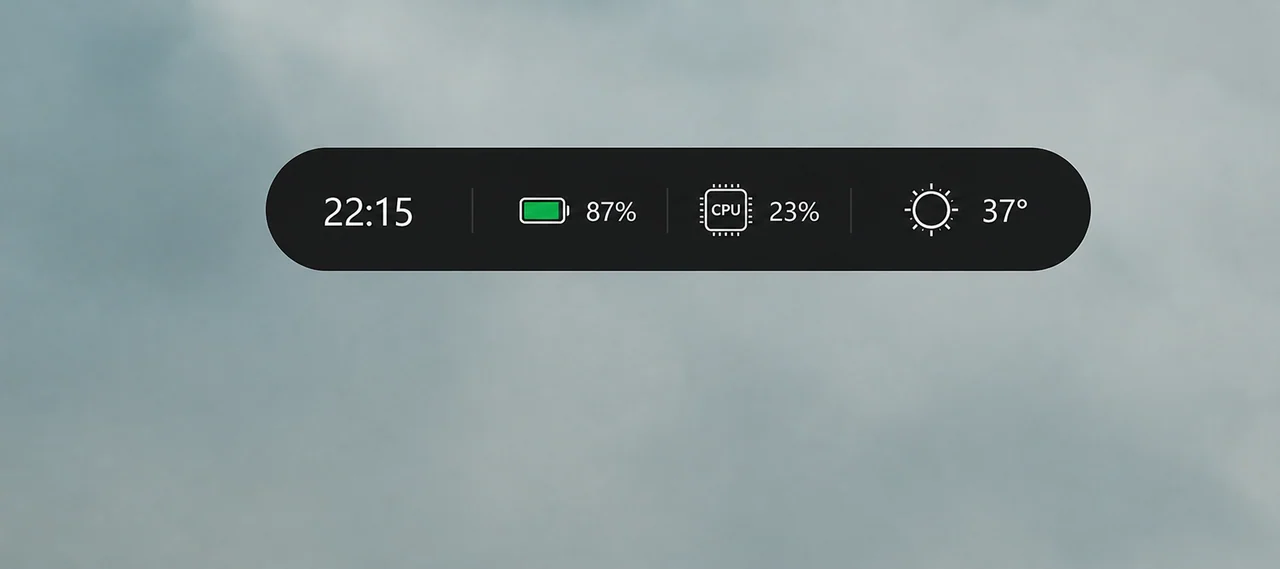
A floating island at the top of your screen that shows what is playing, incoming notifications, weather, battery and…
Personalisation
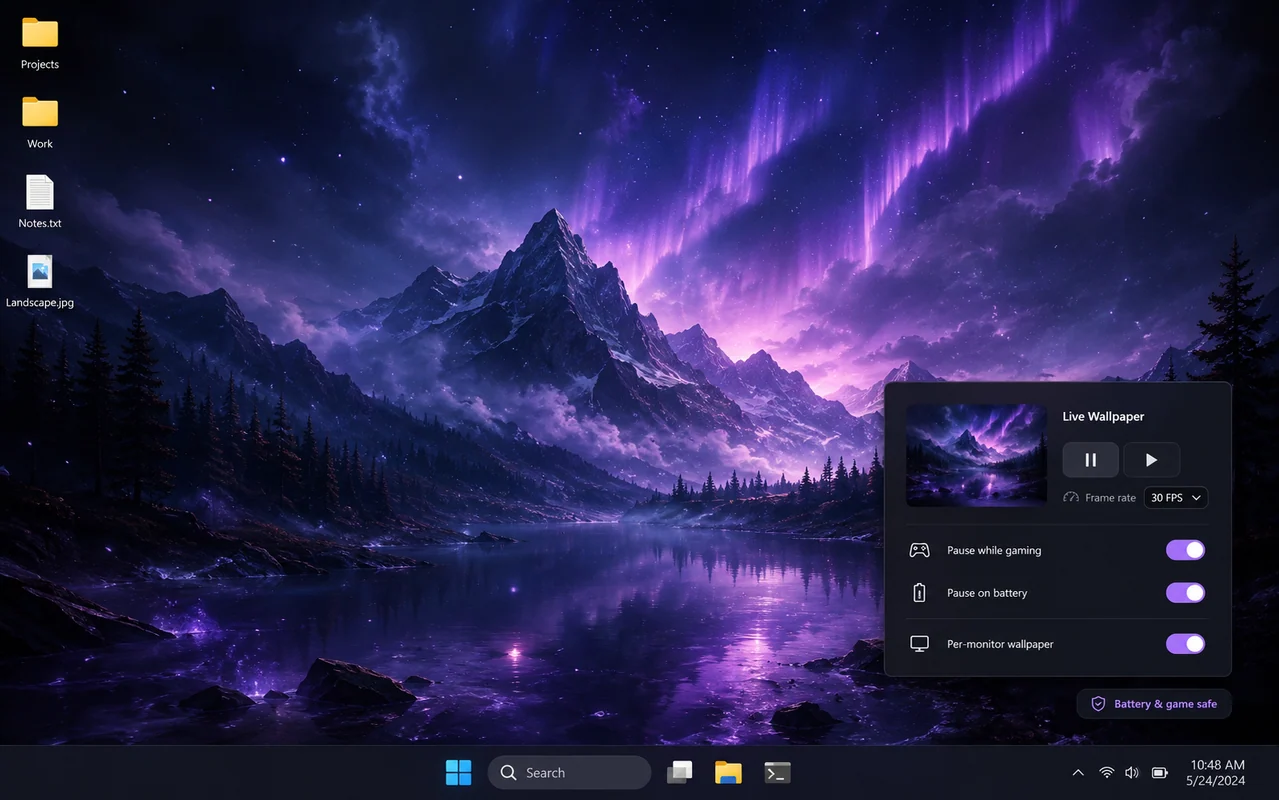
Video, GIF and web wallpapers that pause themselves when you game
Turn any MP4, WebM, GIF or HTML scene into your desktop background, with a different wallpaper per monitor, playlists, audio reactivity and automatic pausing when a game or full-screen video takes over.
MP4, WebM, MOV and GIF files become wallpapers instantly, with hardware decoding.
Interactive HTML, CSS and JavaScript wallpapers, including audio-reactive visualisers.
A different scene on each display, or one continuous scene spanning all of them.
Rotate favourites on a timer, on wake or at every login.
Pauses automatically for full-screen apps, idle sessions and battery power.
Your media never leaves your PC and there is no account or cloud library.
Live Wallpapers replaces the static bitmap behind your icons with something that moves: a looping
video, an animated GIF, or an interactive HTML scene. Icons, drag-select and right-click all keep
working exactly as before, because the wallpaper is rendered behind the desktop rather than on top
of it.
Point the app at any MP4, WebM, MOV or GIF file and it becomes a wallpaper. Anything you can build
with HTML, CSS and JavaScript works too, which means shader-style animations, clocks and audio
visualisers are all fair game. Files stay on your machine; nothing is uploaded anywhere.
Assign a different wallpaper to every display, or stretch one scene across all of them. Group your
favourites into a playlist and let it rotate on a timer, on wake, or every time you log in.
This is where most live wallpaper apps fall apart. Ours pauses rendering automatically when a
full-screen app or game is in the foreground, when the desktop is fully covered, when you switch to
battery power, or when your device goes idle. You can also cap the frame rate and choose whether to
mute audio.
Windows 10 (1903+) or Windows 11, 64-bit. Hardware video decoding recommended.
Version 1.6.0 · 882 KB · wallpapers.zip
Freeware, portable — no installer required.
Not if you keep the default rules. Playback pauses on battery power, while gaming and when the desktop is covered, so an idle session costs almost nothing.
Yes. The wallpaper renders behind the desktop layer, so icons, selection rectangles and right-click menus behave normally.
It solves the same problem but it is free, much smaller, and focused on your own media files instead of a paid workshop.
Download the file first and add it locally. Streaming directly is intentionally not supported to keep bandwidth and CPU usage predictable.
Yes, including mixed-resolution multi-monitor setups. You can choose fill, fit or stretch per display.
A floating island at the top of your screen that shows what is playing, incoming notifications, weather, battery and…
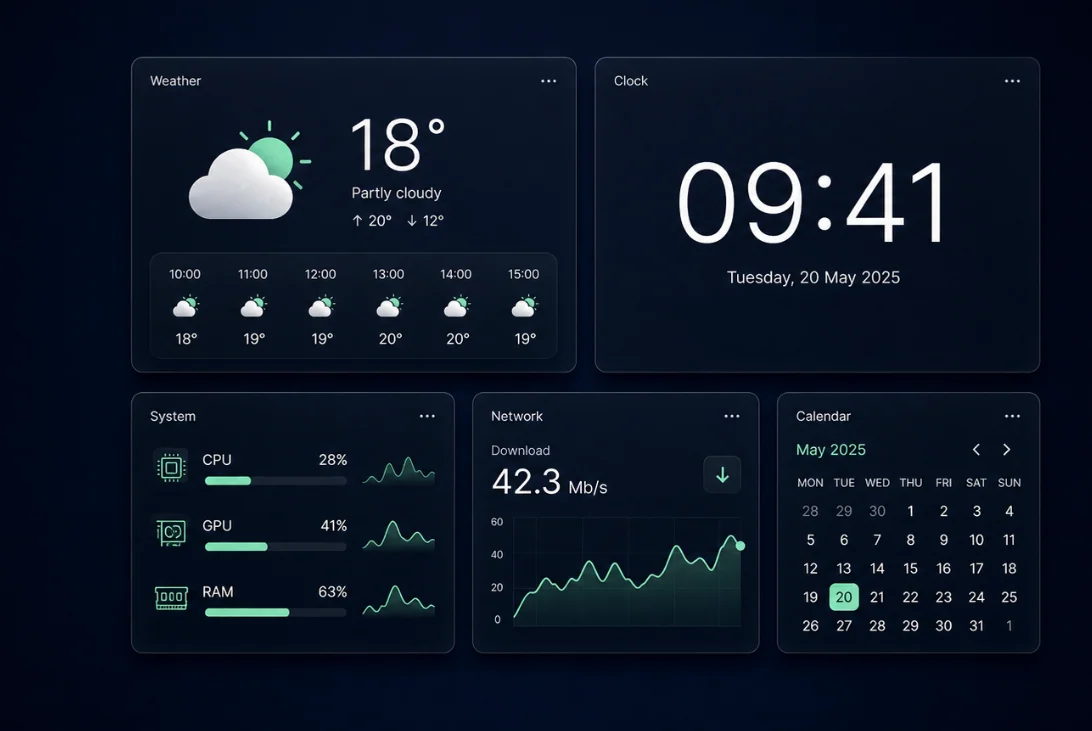
Place resizable widgets straight on your desktop: weather, world clocks, calendar, and real-time CPU, GPU, RAM, disk…
Say what you want and it happens: open File Explorer, search the web for something, find a file, launch an app, change…